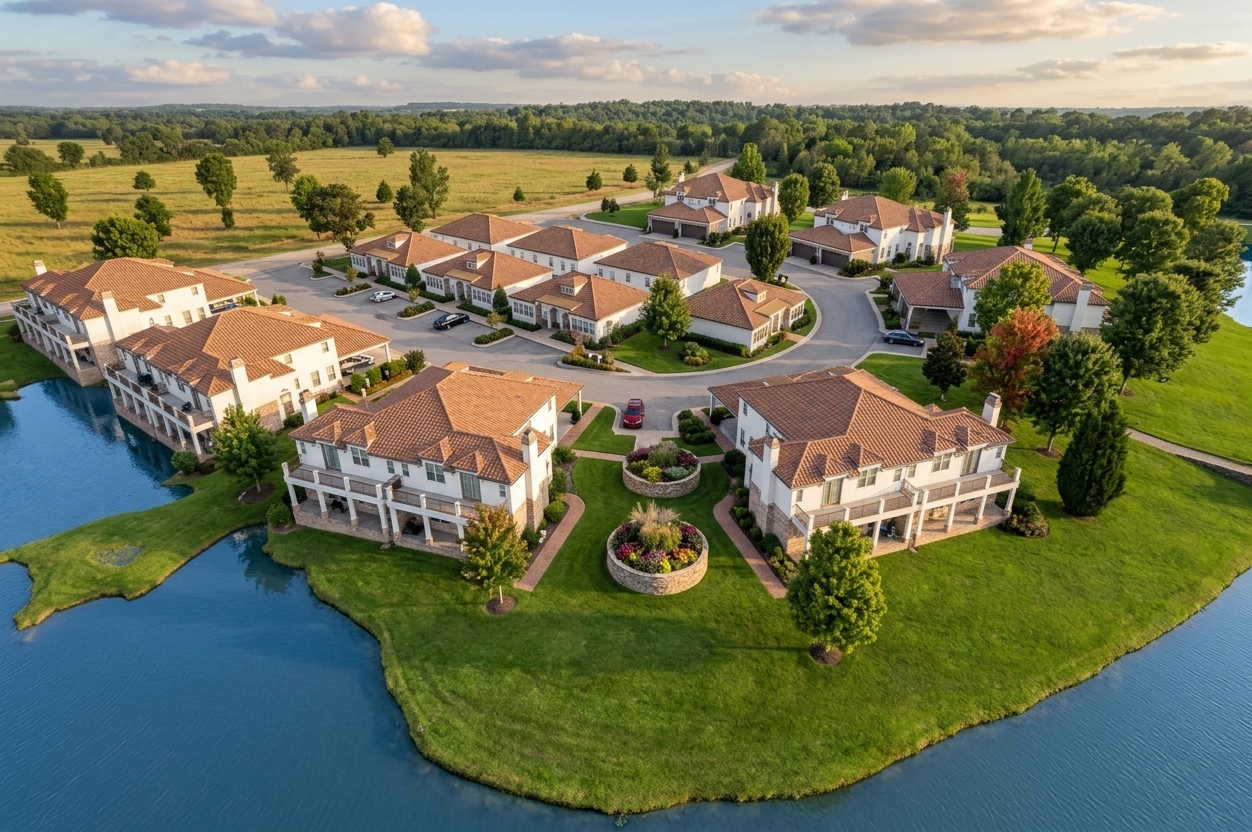
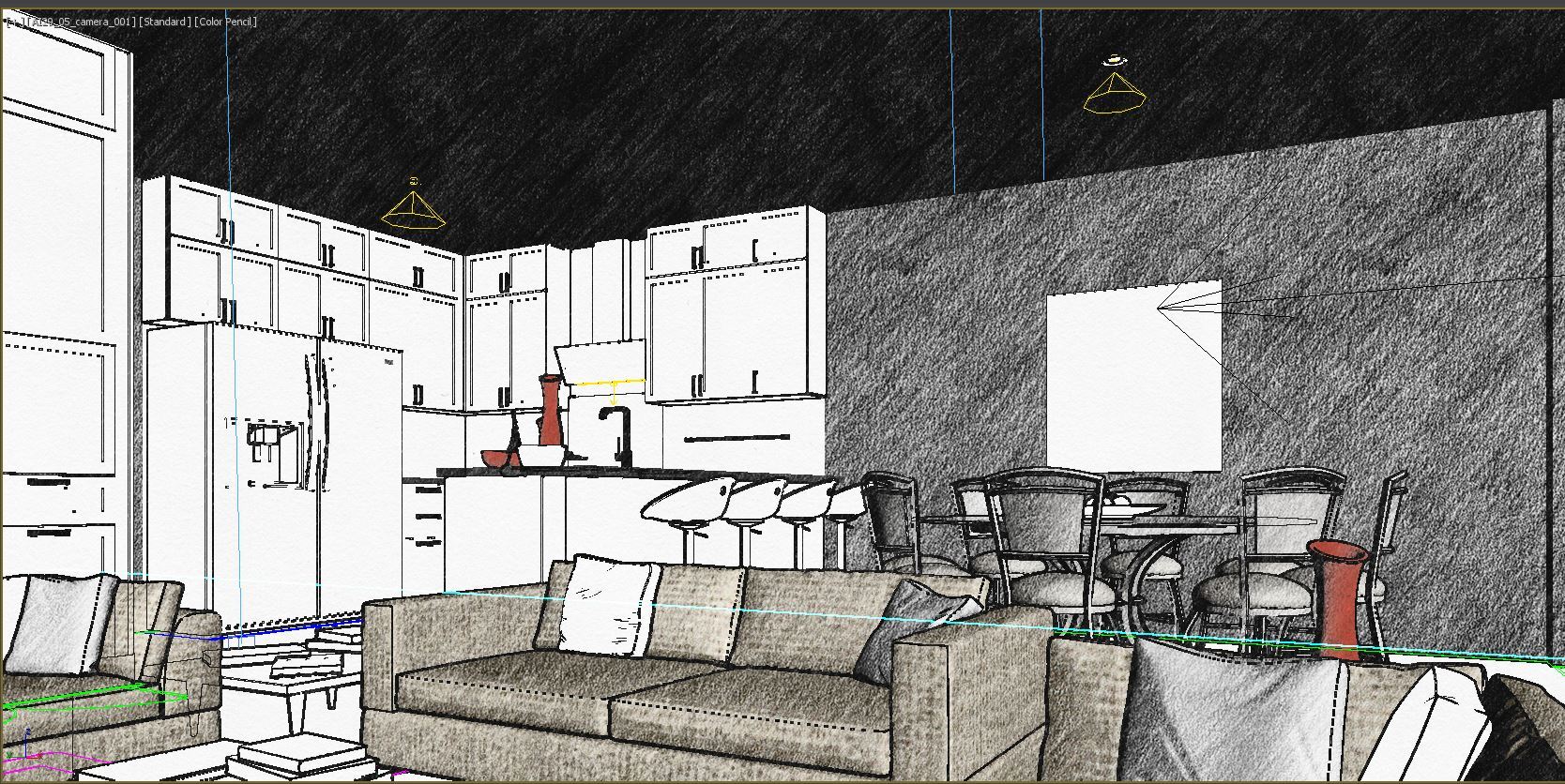
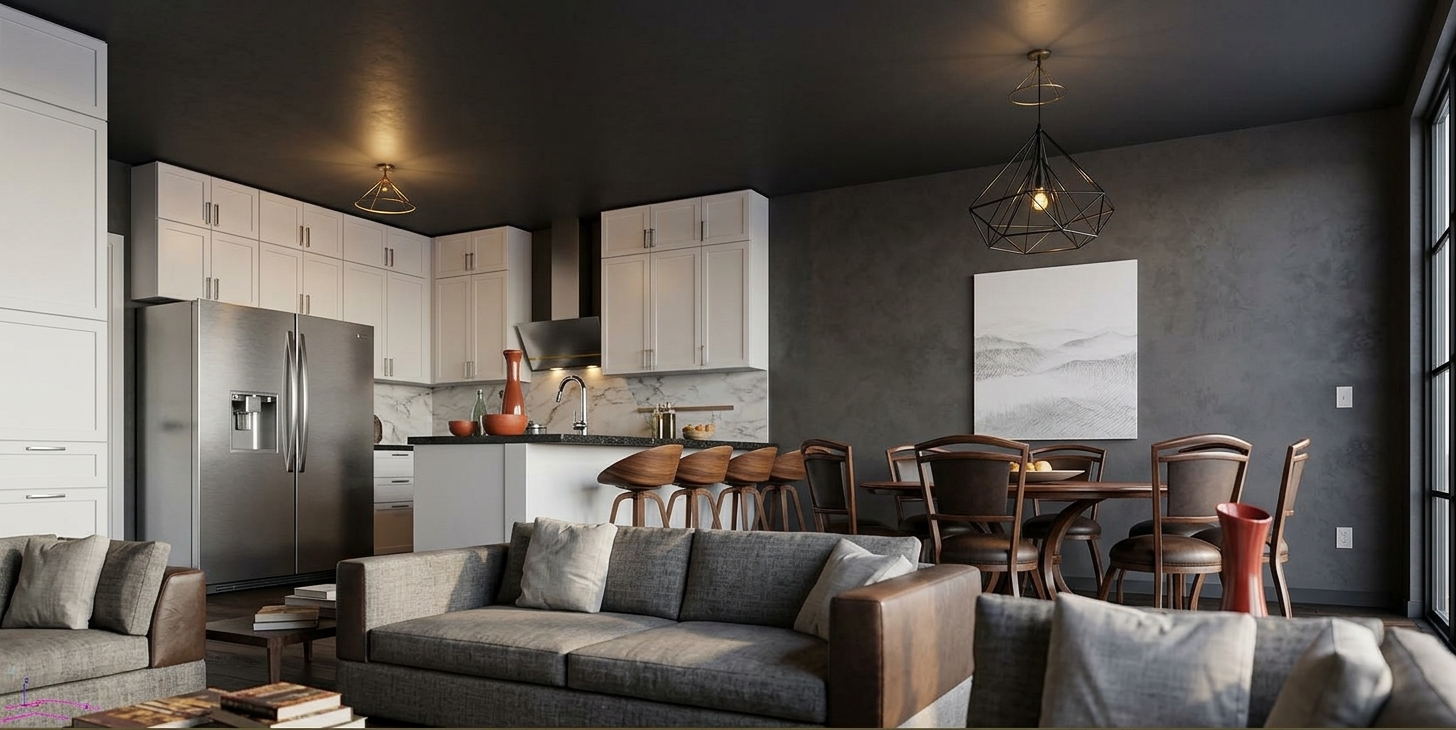
Your Instant Architectural Visualization Studio

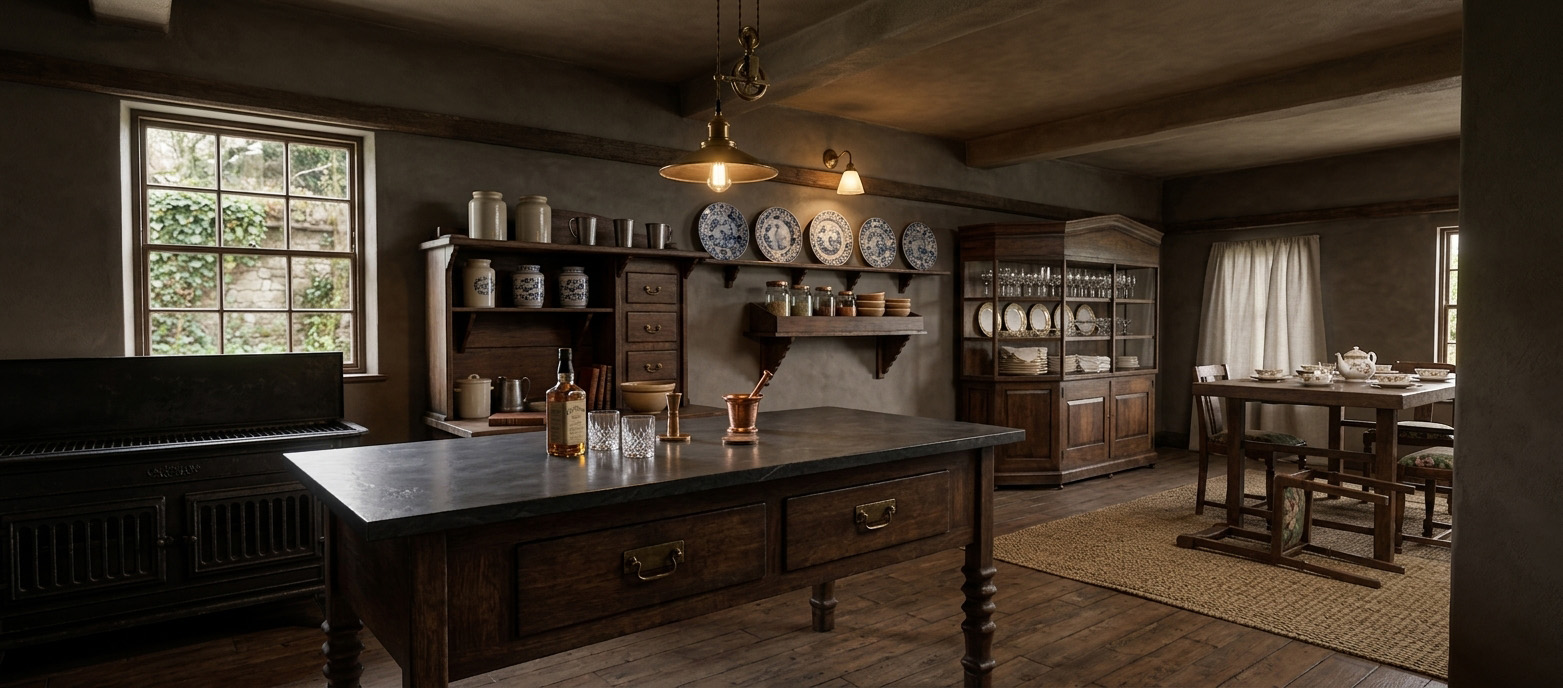
Turn Architectural Plans into Photorealistic Renderings in Seconds

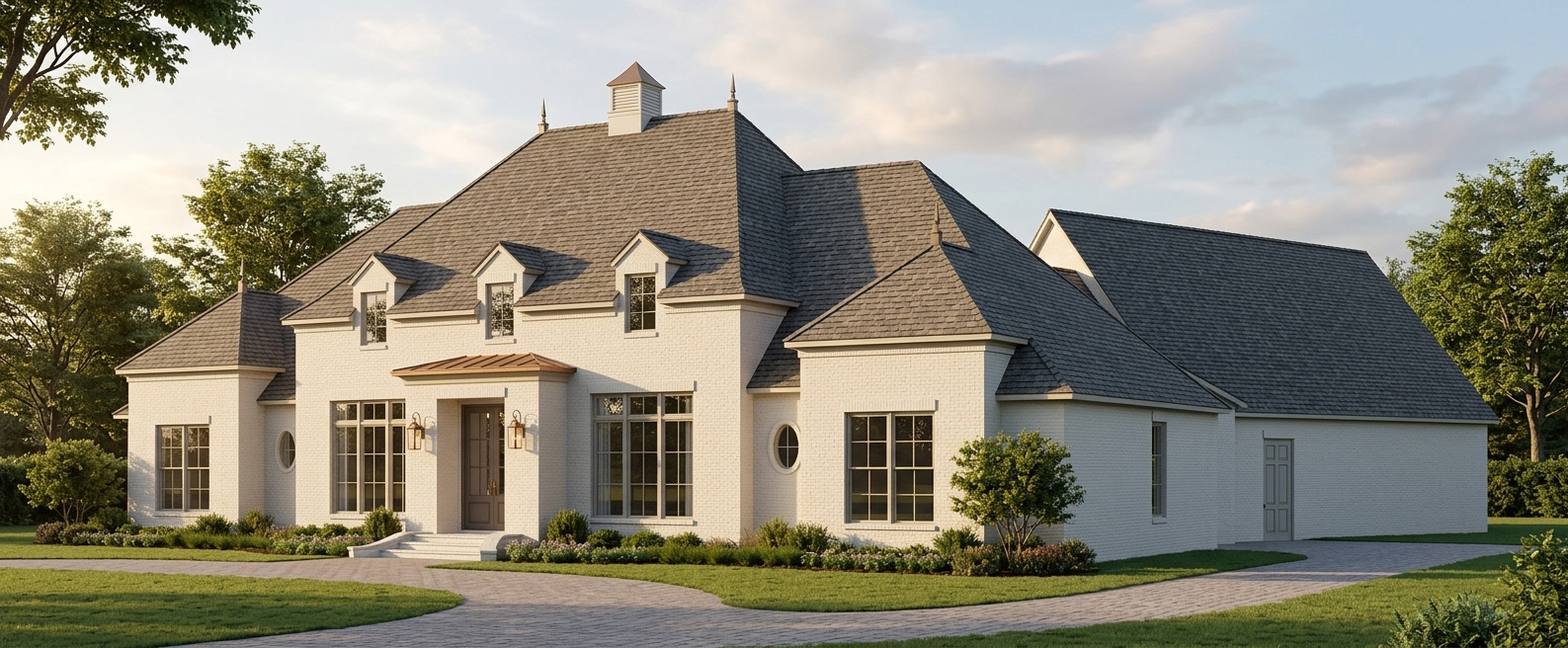
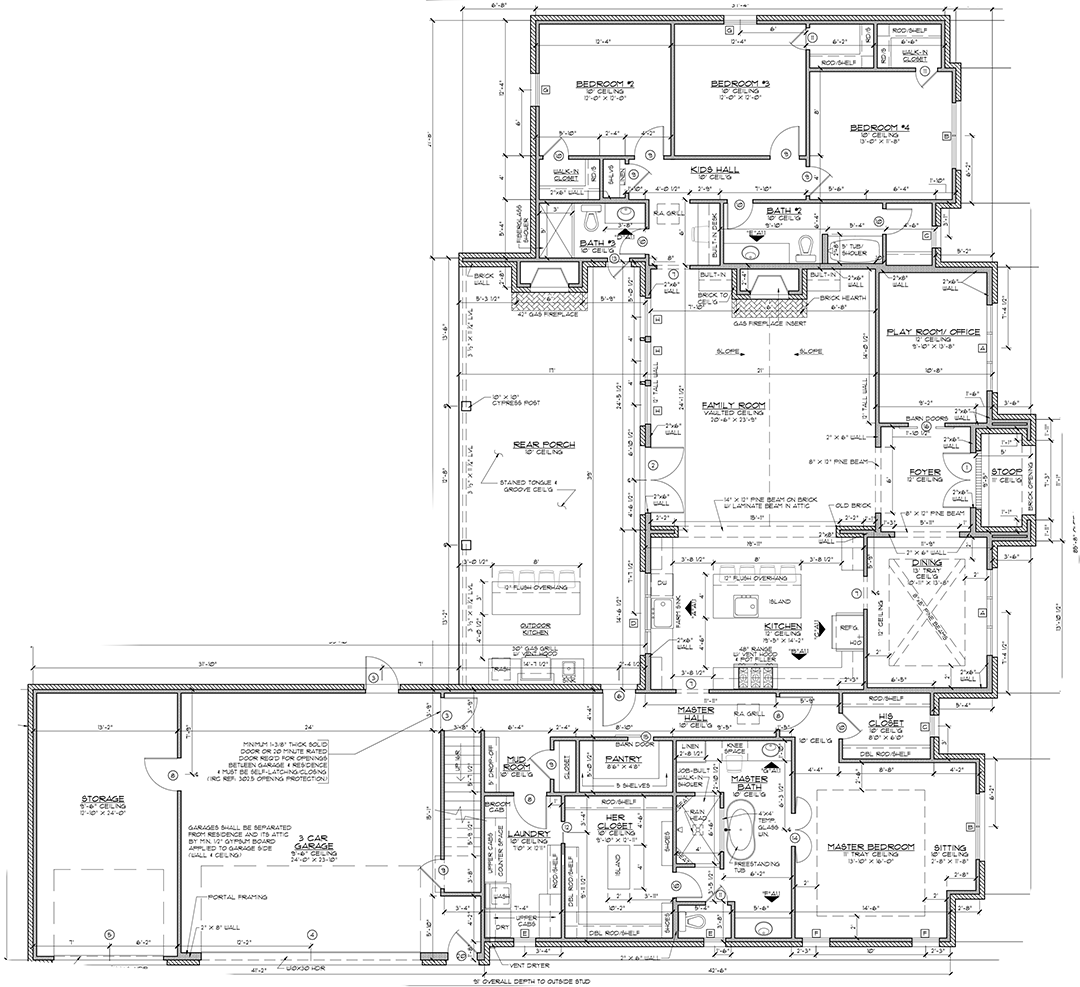
Upload your CAD elevations or floorplans, 3D models, or reference sketches and let our AI models generate stunning architectural visualizations. No rendering farm. No complex software. Just results.

No credit card required · 1 credit = 1 render · Results in seconds

Everything You Need for Architectural Visualization

From quick concept renders to detailed material studies, Plan2Render covers the full spectrum of architectural visualization workflows.

Professional Multi-Structure Projects

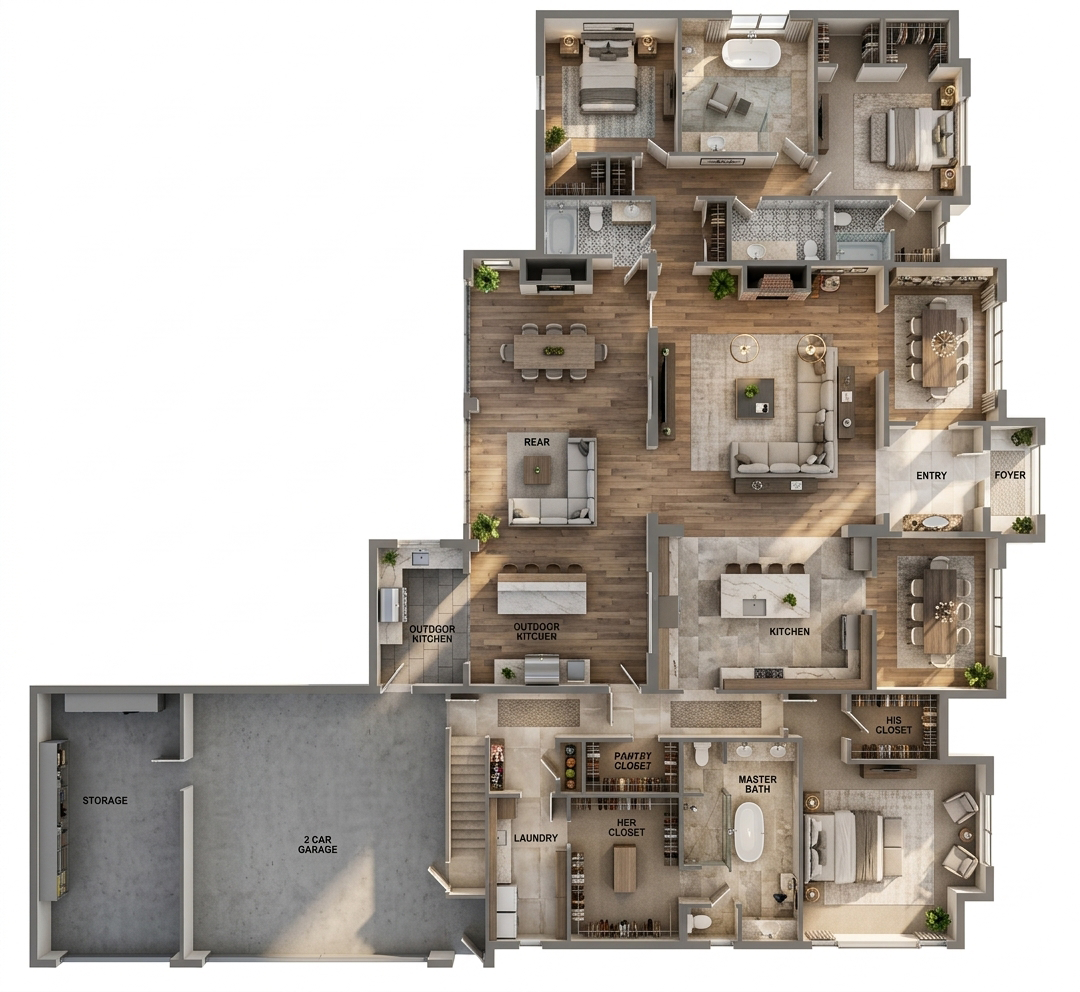
Upload full architectural plan sets with multiple structures. Each structure gets AI-generated photorealistic elevations, floorplans, and corner views. Approve, correct, and iterate on each rendering before generating final deliverables.

  • Multi-Structure Support
  • Elevation Approval Flow
  • Plan Set Upload

2D Plan to Photorealistic Render

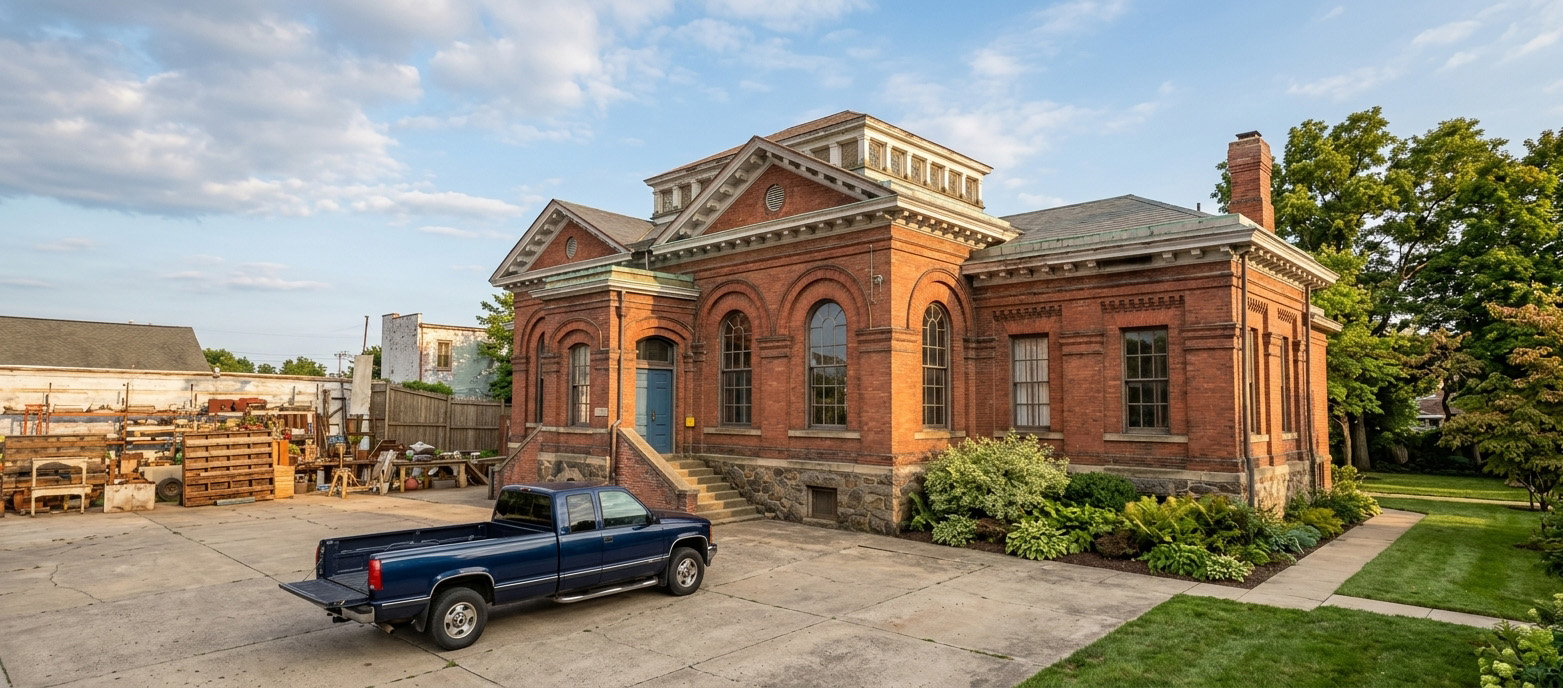
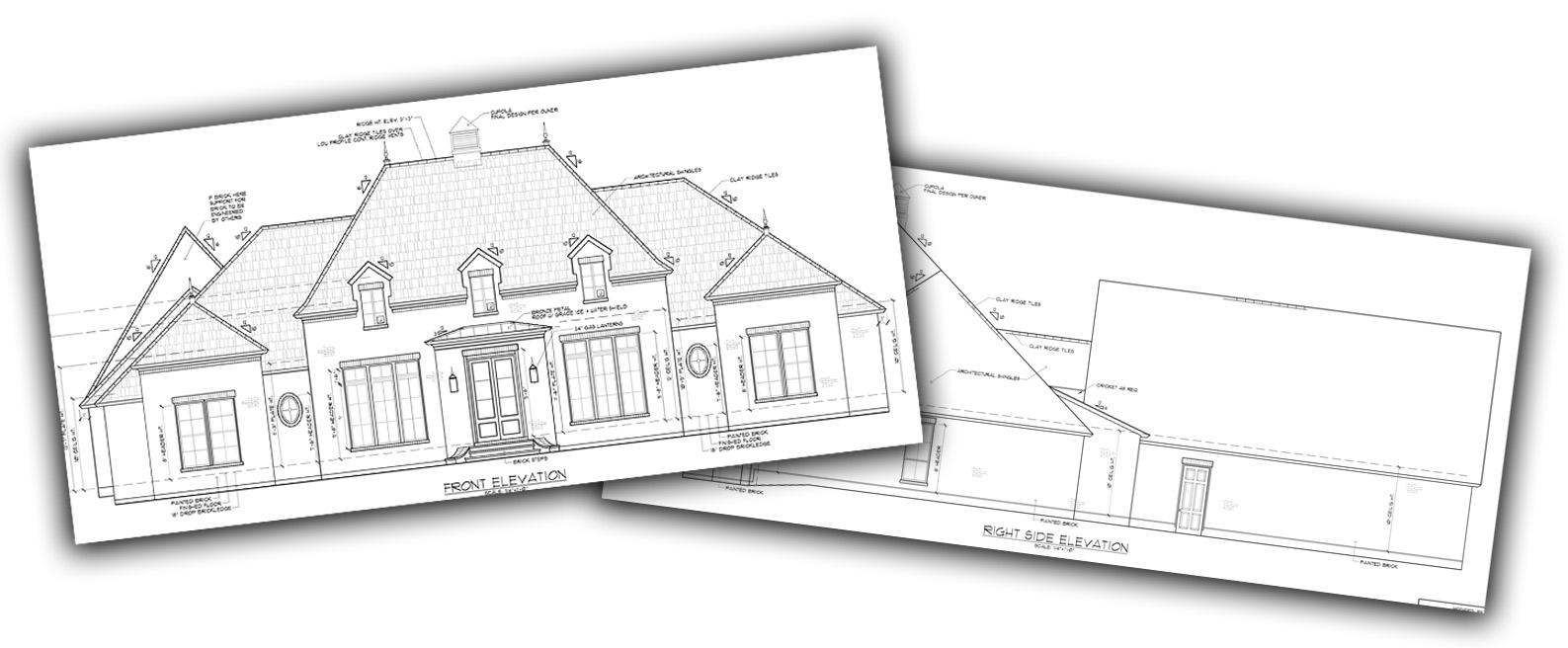
Upload architectural floor plans as PDF or image files and receive photorealistic interior and exterior renderings. Support for front and side elevations enables accurate 3D interpretation of your designs.

  • PDF & Image Upload
  • Interior & Exterior
  • Elevation Support

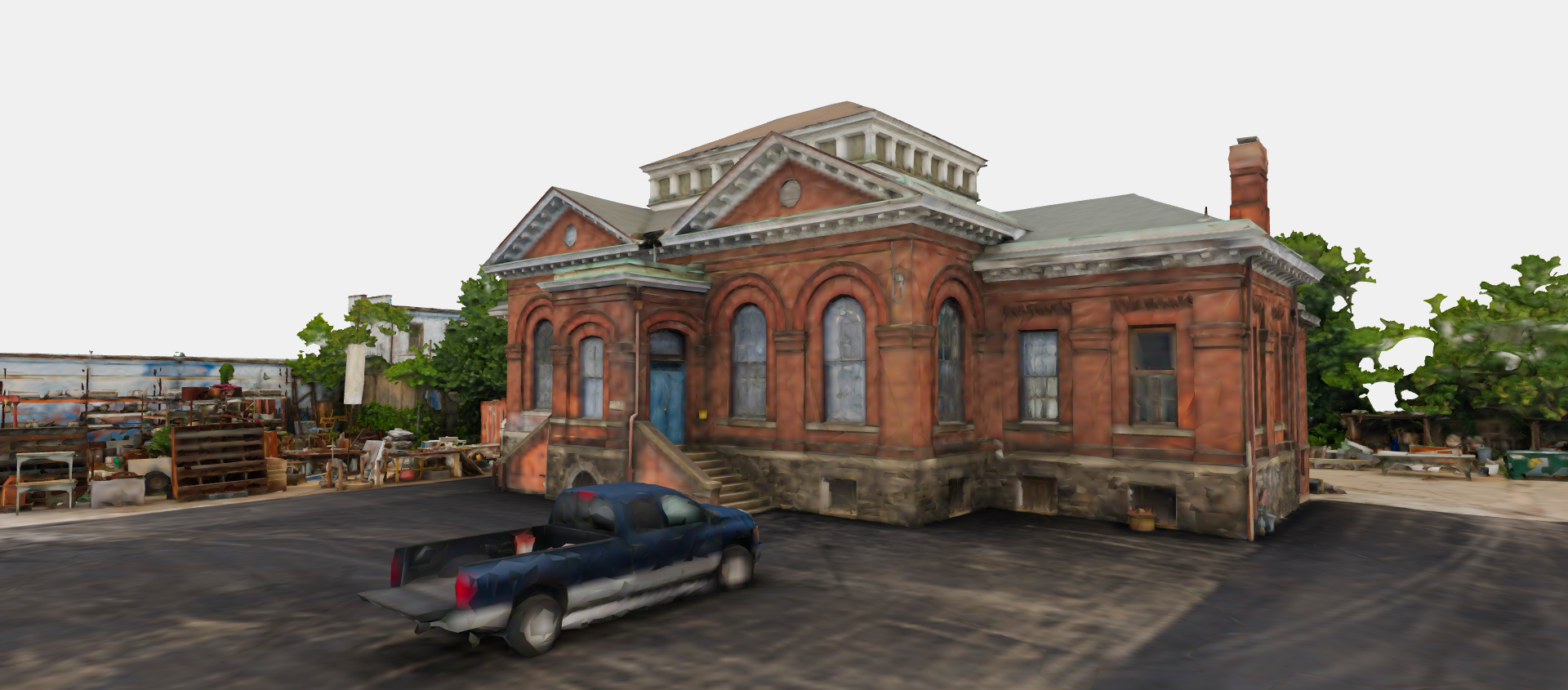
3D Model Generation

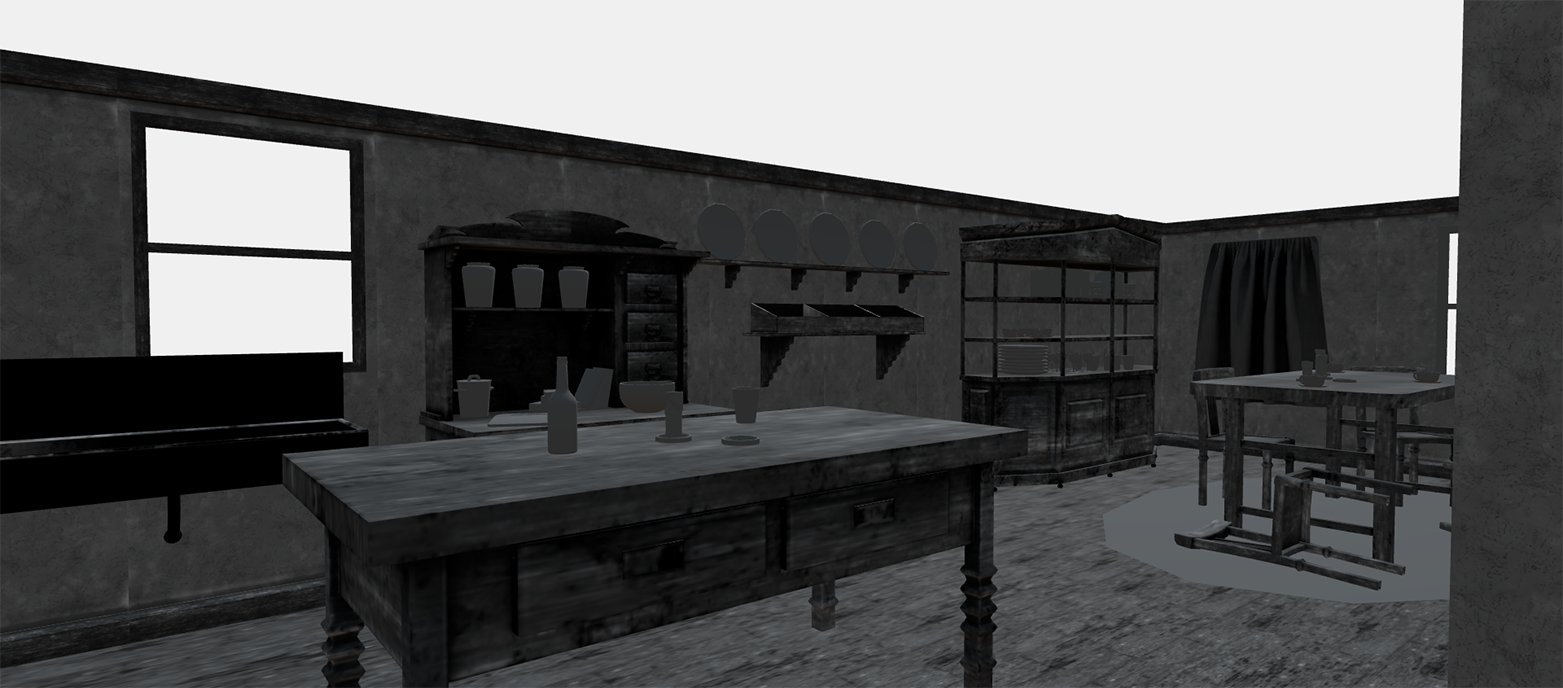
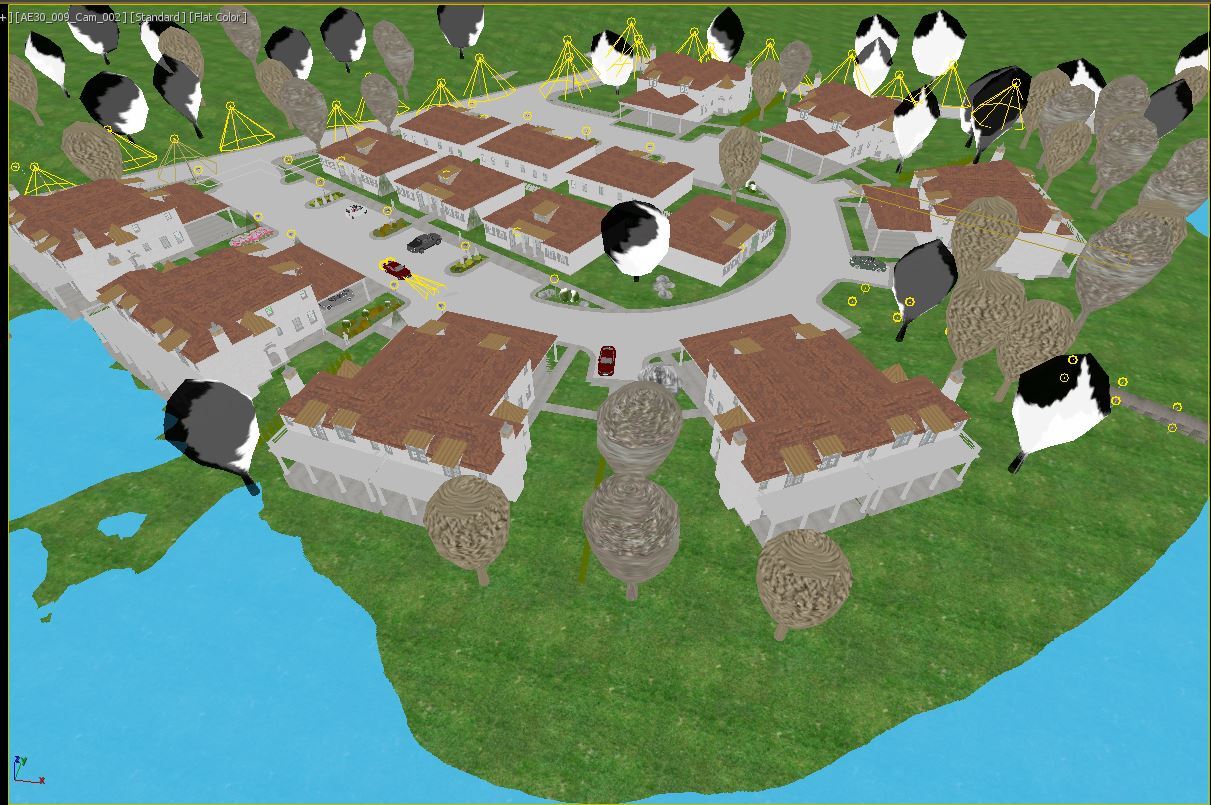
Generate complete 3D building models from four approved elevation renderings. View and interact with your model in the browser, then export for use in presentations and further design work.

  • Elevation-to-3D Pipeline
  • Interactive 3D Viewer
  • GLB Export

Exterior View Renderings

Create photorealistic exterior views from any angle with the interactive camera orbit selector — choose your viewpoint and get a photorealistic rendering of that perspective.

  • Camera Orbit Selector
  • Adjacent Elevation Blending
  • Any-Angle Views

Image to Render

Start from a reference photograph and transform it into a polished architectural visualization. Ideal for renovation projects, design proposals, and rapid concept exploration.

  • JPEG / PNG / WebP
  • Renovation Concepts
  • Quick Turnaround

Elevation & Floorplan Correction

Not satisfied with an AI-generated elevation or floorplan? Use the polygon correction tools to mark regions, describe what needs to change, and have the AI regenerate just those areas while preserving the rest of the rendering.

  • Region Selection
  • Targeted Regeneration
  • Preserve Context

Material & Style Editor

Paint regions on your rendering to swap materials using text descriptions or reference images. Choose from interior design presets — Scandinavian, Industrial, Modern, and more — or define your own custom style.

  • Region-Based Editing
  • Design Presets
  • Custom Color Palettes

Object Placement & Removal

Add furniture, fixtures, vegetation, and decorative elements by marking regions and describing what to place. Remove unwanted objects just as easily with region-based annotations.

  • Add Objects
  • Remove Objects
  • Annotation Tools

Project Management & Asset Library

Organize all visualizations into projects with categorized asset trays, favorites, full-screen lightbox viewing, and one-click downloads. Track rendering status and credit usage across all your projects.

  • Categorized Assets
  • Favorites & Lightbox
  • Credit Tracking

From Plan to Render in Three Steps

No rendering expertise required. Upload your architectural drawings, models, or sketches, configure your scene, and let our AI models handle the heavy lifting.

01

Upload Your Design

Start with what you have — a 2D floor plan (PDF or image), a 3D model (GLB, GLTF, OBJ, FBX), reference photos, or four elevation drawings. Our smart upload system handles cropping, PDF page selection, and file validation automatically.

02

Configure Your Scene

Set the mood with lighting, time of day, season, and weather. Choose an interior design style, specify room types, and define the surrounding environment. For 3D models, orbit the view and frame the exact camera angle you want.

03

Generate, Iterate & Deliver

Hit render and receive your photorealistic visualization in seconds. Then iterate — swap materials, add or remove objects, correct elevations, generate exterior views, or create 3D models. Every action costs just 1 credit, creating a new asset in your project. Favorite your best renders and download when ready.

Built by Architects,
for Architects

Plan2Render wasn't born in a tech incubator. It was forged in the trenches of real architectural visualization work. Our founding team brings over 30 years of combined experience in the architectural visualization industry — from producing high-end residential renders for boutique studios to delivering large-scale commercial visualization projects.

We've spent decades working with architects, interior designers, and property developers. We understand the pain of long render times, complex software pipelines, and the gap between design intent and final output. Plan2Render is our answer: professional-grade architectural visualization that's accessible, fast, and iterative.

Every feature — from material editing to elevation-based 3D generation — was designed by people who have used traditional rendering tools daily for years and know exactly where AI can make the biggest impact.

30+ Years of Architectural Visualization Experience
4 Project Input Types
< 30 sec Average Render Time
100 Iterations per pro project
Who Uses Plan2Render?

Designed for professionals across the architecture, engineering, and construction ecosystem.

Architects & Designers

Generate client-ready visualizations directly from floor plans and elevations during the design phase. Explore material options and lighting scenarios without leaving your browser.

Interior Designers

Visualize room layouts with preset styles — Scandinavian, Industrial, Modern, and more. Swap furnishings, change wall materials, and present multiple design directions to clients in a single session.

Real Estate Developers

Create marketing-quality renders for pre-sales and planning approvals from basic architectural drawings. No need to commission a full visualization studio for early-stage projects.

Visualization Studios

Accelerate your concept phase with AI-generated drafts before committing to full production renders. Use Plan2Render for quick studies, material explorations, and client feedback rounds.

Simple, Credit-Based Pricing

Start free with 1 credit. Upgrade when you need more. Every rendering, revision, or correction costs 1 credit. 3D model generation costs 15 credits.

Free

$0 1 Credit

Try Plan2Render with one watermarked render — all standard input types and full editing tools included.

Start Free

Discovery

$15
10 Credits

Per project

  • 10 photorealistic renders
  • All standard input types
  • Full editing tools
  • No watermarks
Get Started

Project Pass

$49
75 Credits

Per project

  • 75 credits per project
  • Professional multi-structure workflow
  • Elevation approval & correction tools
  • Exterior view rendering
  • 3D model generation
  • High-res upscaling (up to 6x)
Get Started

Studio

$329 /mo
600 Credits / Month

Shared across all projects

  • 600 credits shared across all projects
  • Unlimited standard & professional projects
  • All Professional features
  • Dedicated support
  • Credits reset monthly
Subscribe

Need More Credits?

Purchase credit packs anytime to top up any project or subscription. Credits never expire.

10 credits $15
25 credits $25
75 credits $50
200 credits $100

3D model generation and adding a structure each cost 15 credits. All other rendering actions cost 1 credit.

Ready to Transform Your Architectural Workflow?

Join architects, designers, and visualization professionals who are already using AI to produce stunning renders in seconds instead of hours.